How JAR works
From your first conversation with us to every customer being tracked and followed up automatically, regardless of how they booked.
See what your customers get →Your setup, start to finish
We learn about your business
A quick conversation to understand how you work. Where do your bookings come from? What happens after a job? How do customers get in touch? This tells us exactly what to build.
We set up your portal
Your JAR dashboard goes live. You get a login, your customer database is ready, and you can see exactly what's been set up. This is where you'll track everything going forward.
We connect to your calendar
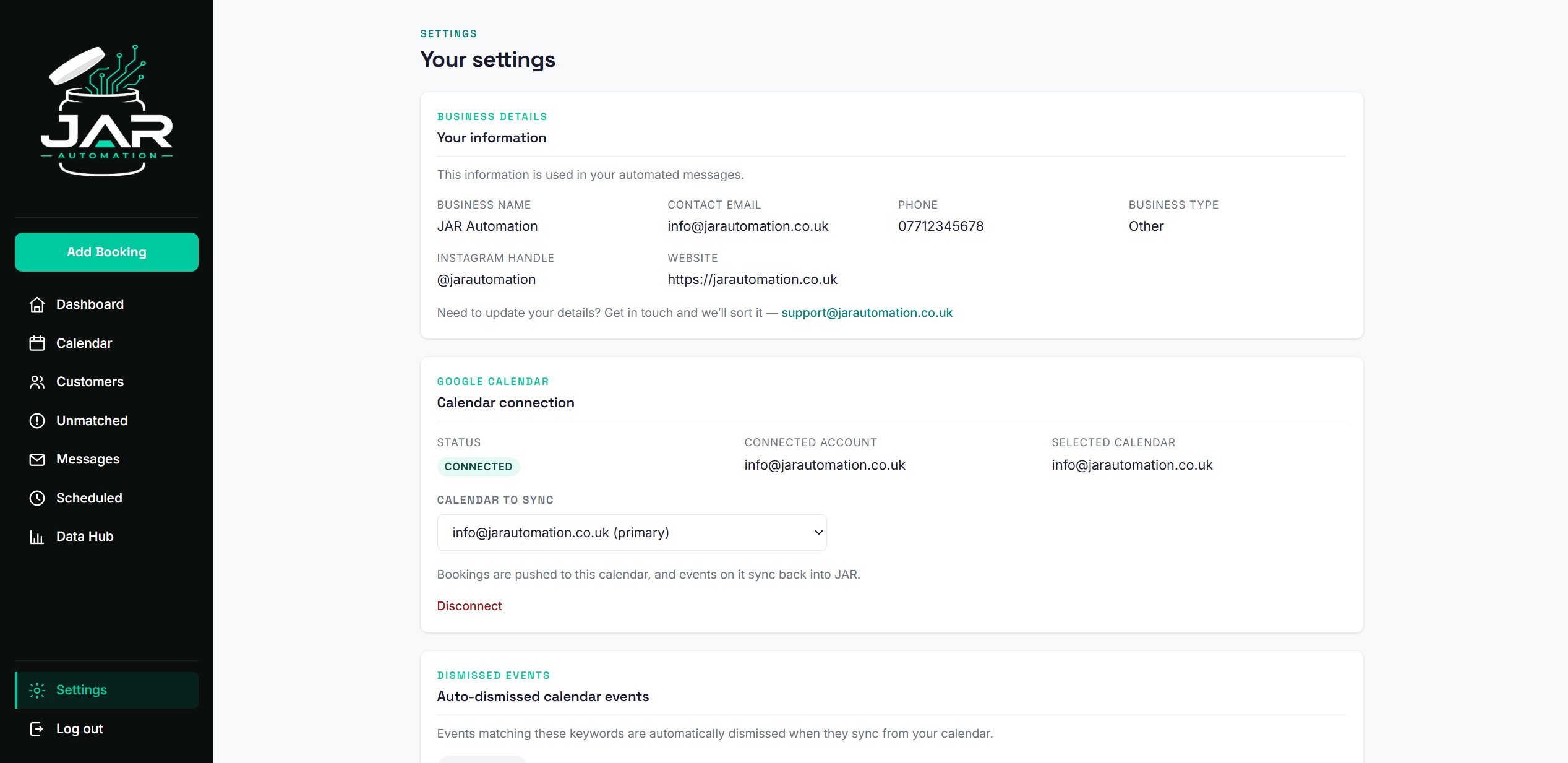
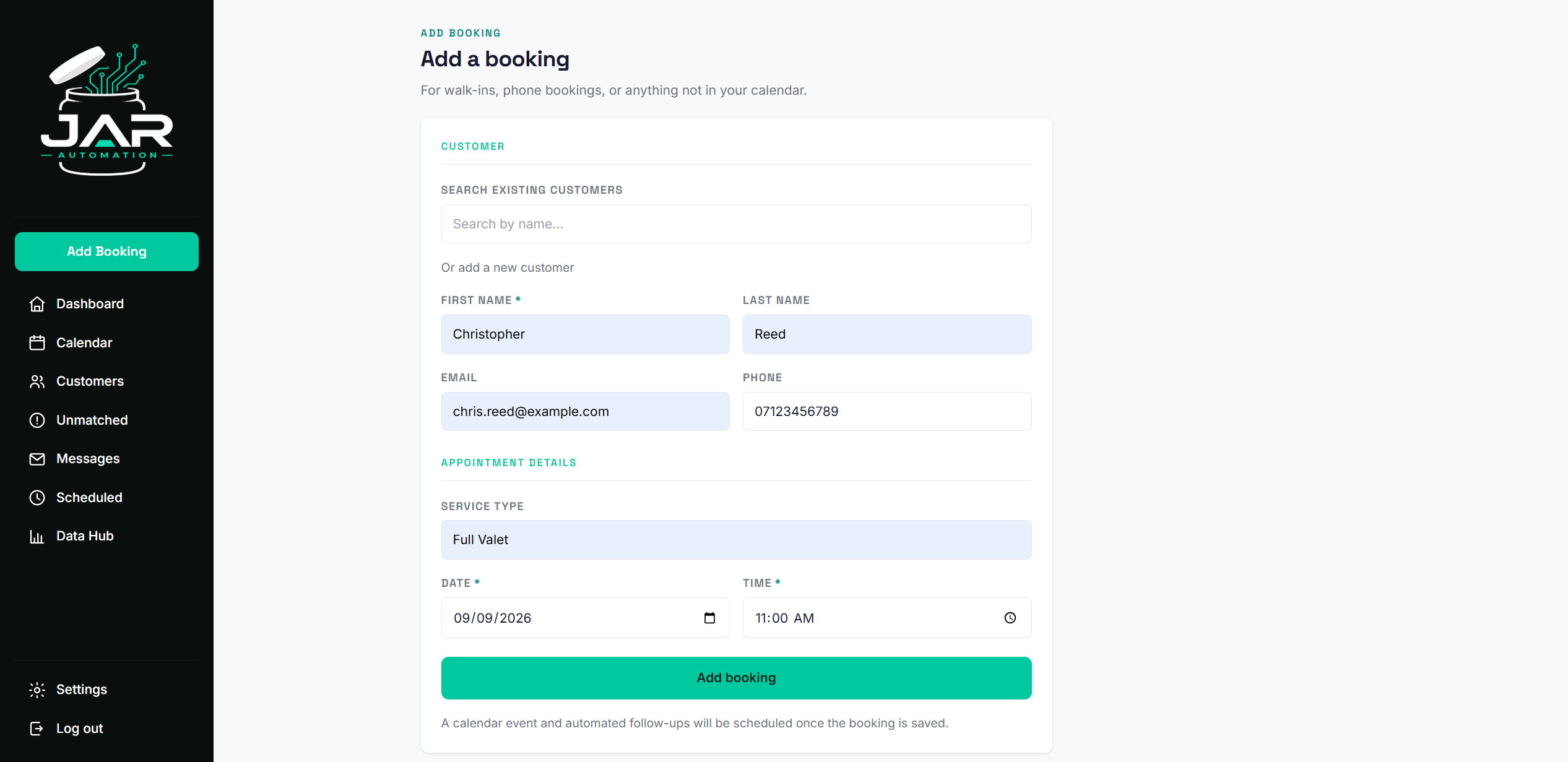
JAR syncs with your Google Calendar. If you use a booking platform (Fresha, Timely, and others), your online bookings flow into JAR automatically. For bookings taken by phone, DM, or walk-in, you add them through your JAR portal and they sync to your calendar too. One database, every customer.
We build your automations
Review requests, follow-up nudges, rebooking reminders, whatever your plan includes. Every message is written, timed, and tested before anything goes live. You don't touch any of this.
You approve
Nothing runs until you've seen it and said yes. We walk you through every automation, every message, every trigger. If you want changes, we make them.
Your customers start getting followed up
Every job triggers the right message at the right time. Review requests go out. Rebooking reminders fire when customers are due back. You do nothing.
You log in and see results
Your dashboard shows every customer contacted, every review requested, every rebooking nudge sent. Monthly reports land in your inbox. You always know what's happening.
The full process, summarised

What JAR handles
The heavy lifting
- Connecting to your calendar
- Setting up your portal and customer database
- Building all automations
- Writing every customer message
- Review requests after every job
- Rebooking reminders when customers are due back
- Win-back messages for lapsed customers
- Ongoing monitoring to catch issues before they affect your customers
- Monthly performance reports
What you handle
The easy part
- Doing the work you already do
- Adding phone, DM, and walk-in bookings to the portal
- Responding to customers who reply to messages
- Approving changes if you want them
- Checking your dashboard whenever you want to
If something doesn't go to plan
Something stops working
We monitor your automations behind the scenes to make sure everything is running as it should. If something goes wrong, we catch it and fix it. If it's something on your end, we'll reach out and sort it together.
You want changes
Message us anytime. Small changes to timing, wording, or triggers are covered by your plan. Bigger additions are priced separately and we'll always quote before starting.
You want to cancel
After your minimum term, cancel anytime with 30 days' notice. We disable your automations, export your customer data, and close your portal. No penalties, no questions, no lock-in.
You have questions
Email support@jarautomation.co.uk. We usually respond the same working day.
Works with Google Calendar
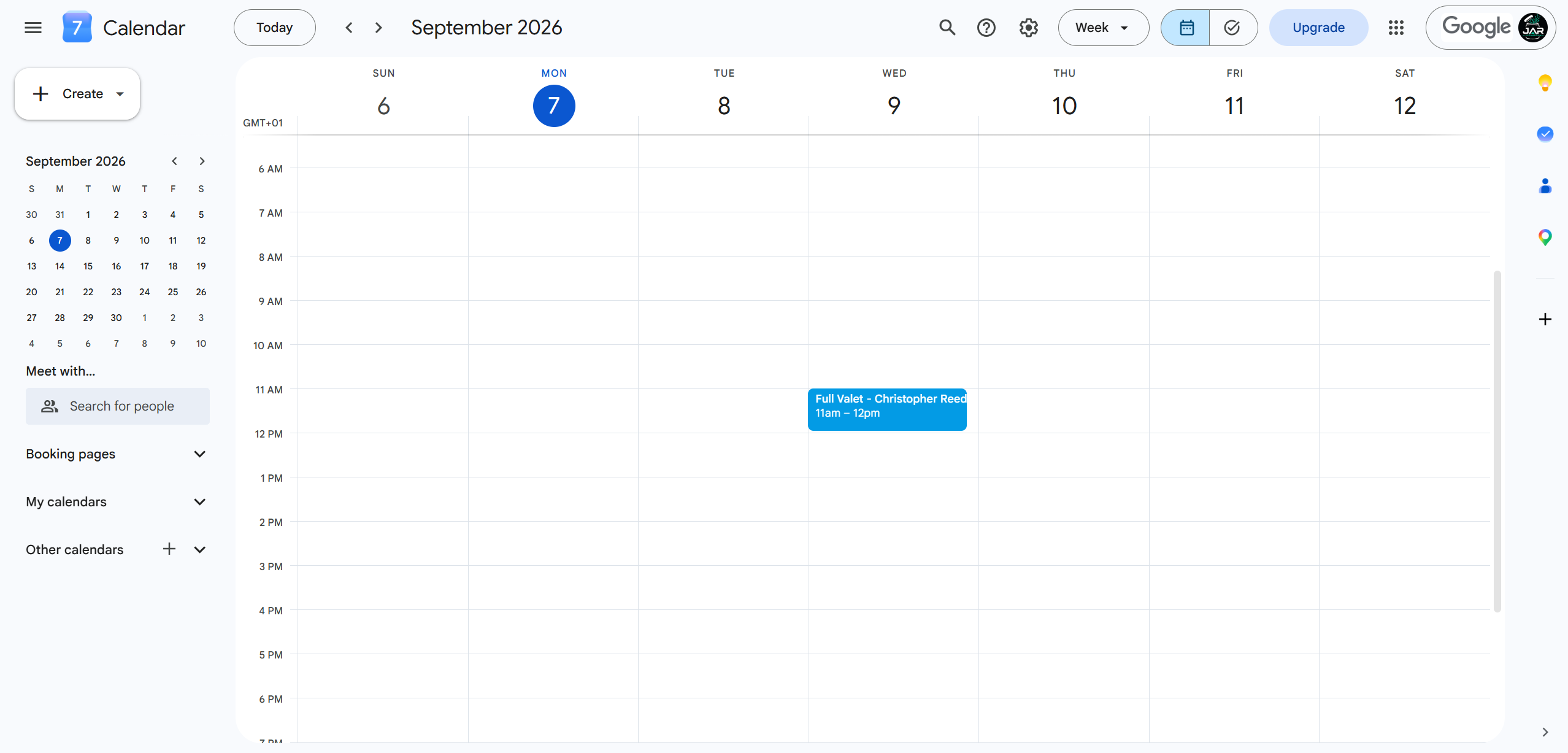
JAR works with Google Calendar. If your booking platform syncs with Google Calendar (Fresha, Timely, and others), it works with JAR. For any booking that doesn't come through your website, whether that's a phone call, a DM, a text, or a walk-in, you enter it through your JAR dashboard and we create the calendar event for you. Either way, every customer gets followed up.
- Google Calendar
- Any booking platform that syncs to Google Calendar (Fresha, Timely, and others)
- Non-website bookings entered through your dashboard (we add them to your calendar automatically)
All data shown is for demonstration purposes. Any resemblance to real individuals is purely coincidental.
Edit anywhere. Everything stays in sync.
Reschedule in your calendar
Move an appointment on Google Calendar and JAR updates automatically. No double entry, no manual checking.
Edit in the JAR portal
Change a booking in your dashboard and the calendar event updates instantly. Your schedule always matches.
Cancel on either side
Cancel an appointment in your portal or delete it from your calendar. Both systems stay in sync. Customer data is always kept safe.
JAR checks your calendar every 15 minutes. Portal changes sync to your calendar instantly.