The dashboard your booking platform doesn't give you
Your booking platform only knows the customers who booked through it. Your JAR portal tracks every customer from every source. Phone, DM, walk-in, website. One place. Every follow-up handled automatically.
See what your customers get →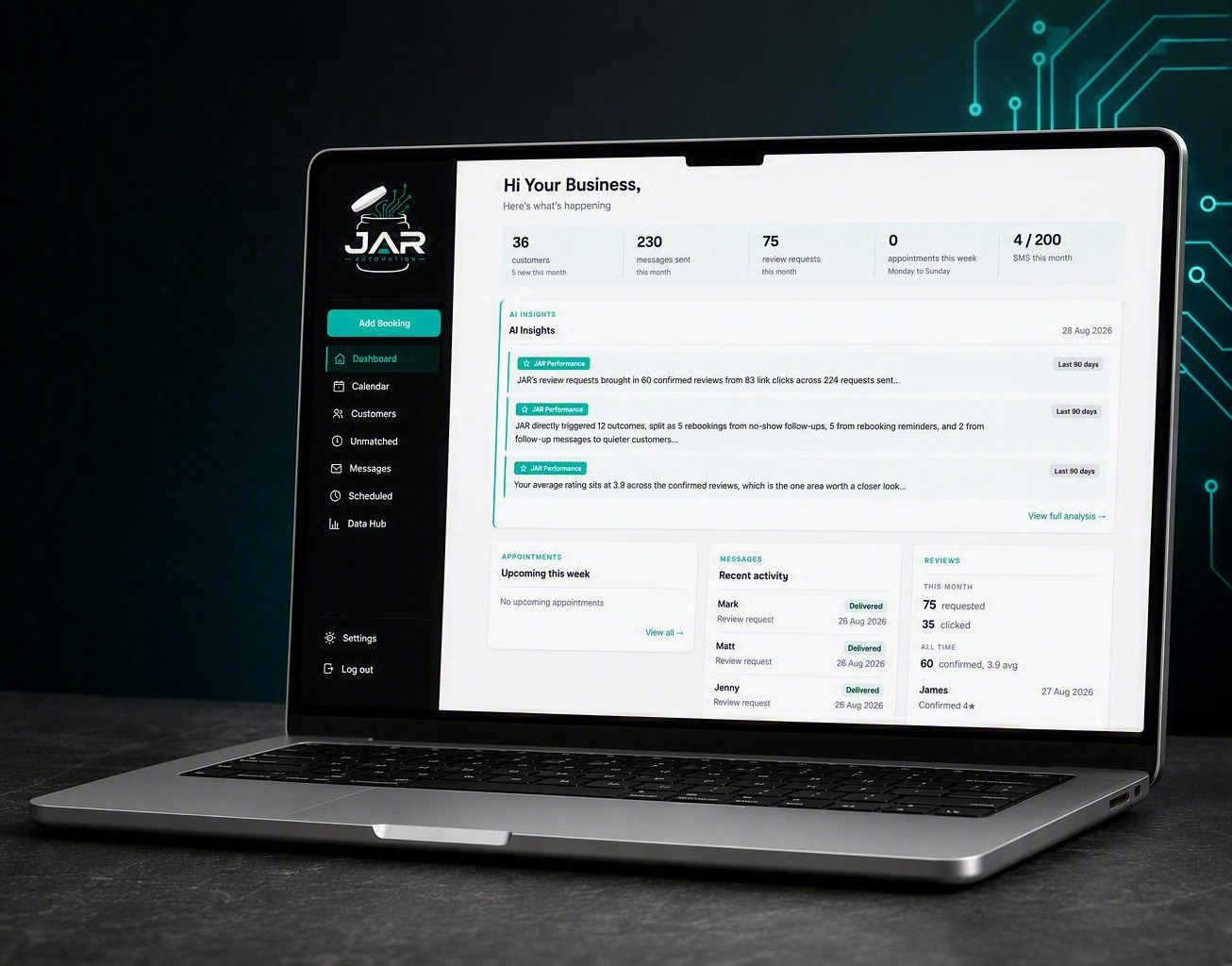
See what matters the moment you log in
You shouldn't have to dig for answers. And you shouldn't have to chase follow-ups yourself.
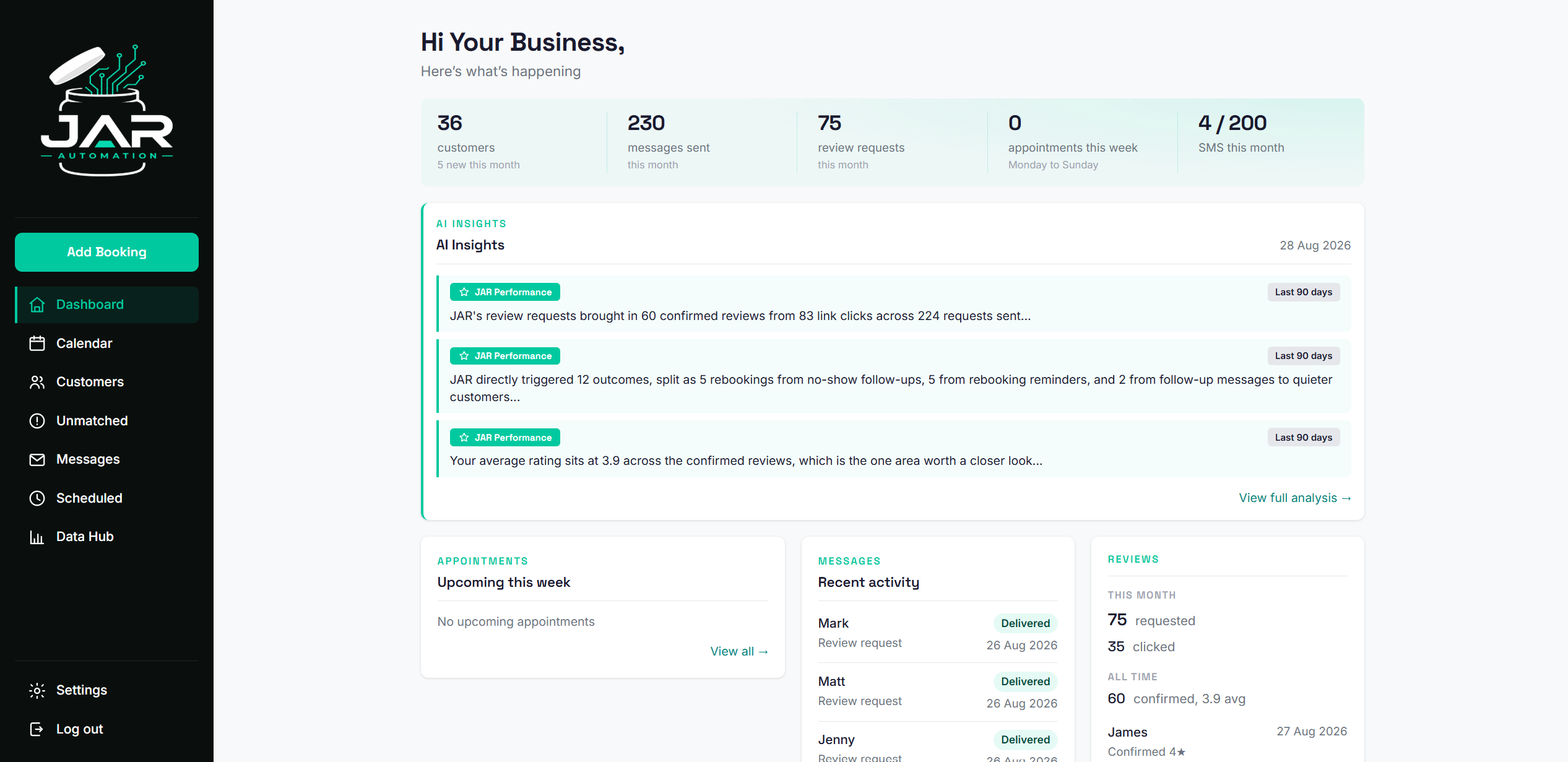
Your dashboard shows you how many customers you have, how many messages have gone out, review performance, and AI-powered insights that spot trends you'd never catch manually. Everything updates automatically as JAR works in the background.
Every appointment. Every status.
When bookings live in five different places, things get missed.
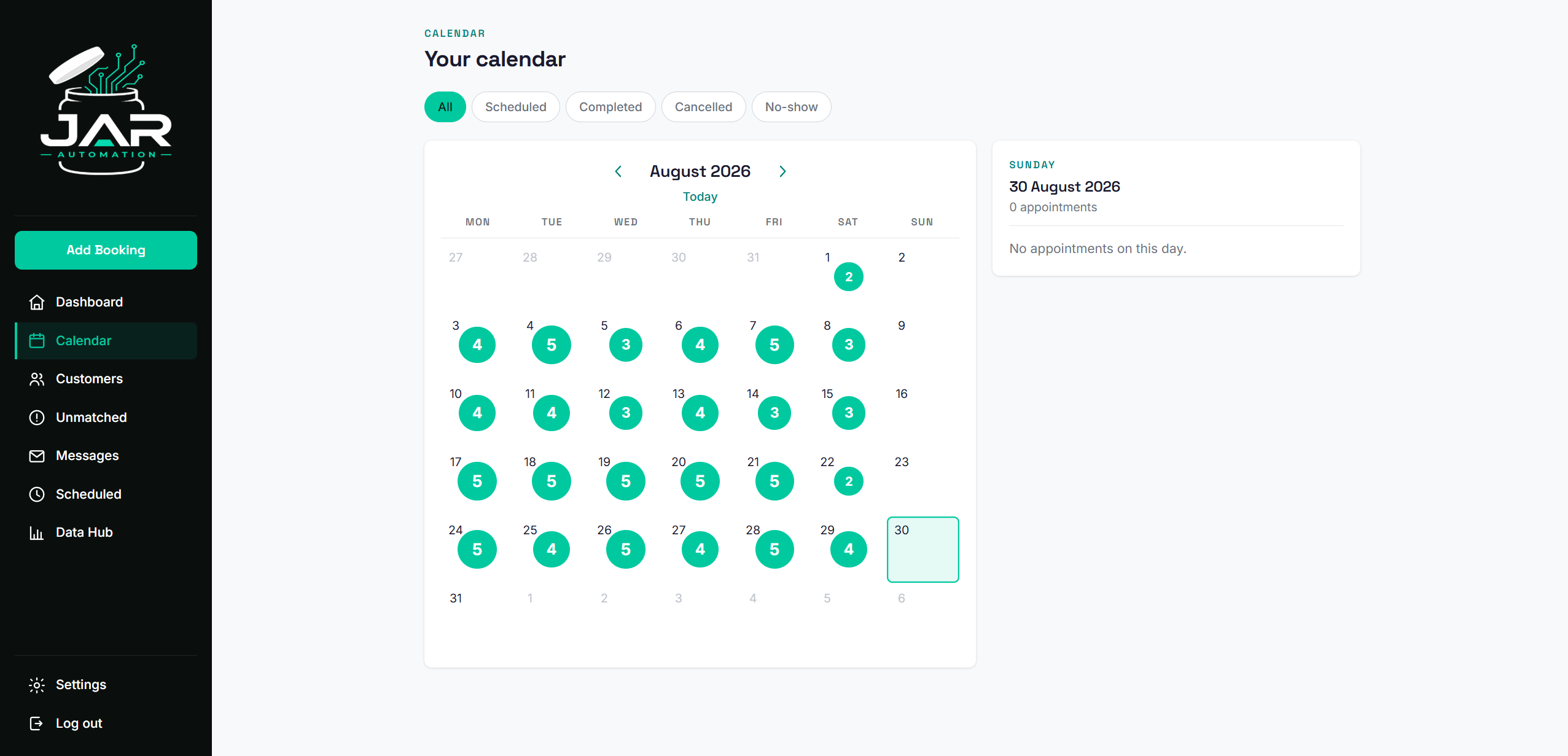
Your calendar shows every booking from every source in one view. Filter by status: scheduled, completed, cancelled, no-show. Click any day to see what's booked. Appointments sync from your Google Calendar automatically, and anything you add through the portal pushes back to your calendar.
Know where every customer stands
Your booking platform knows the customers who booked through it. Everyone else is invisible. JAR sees all of them.
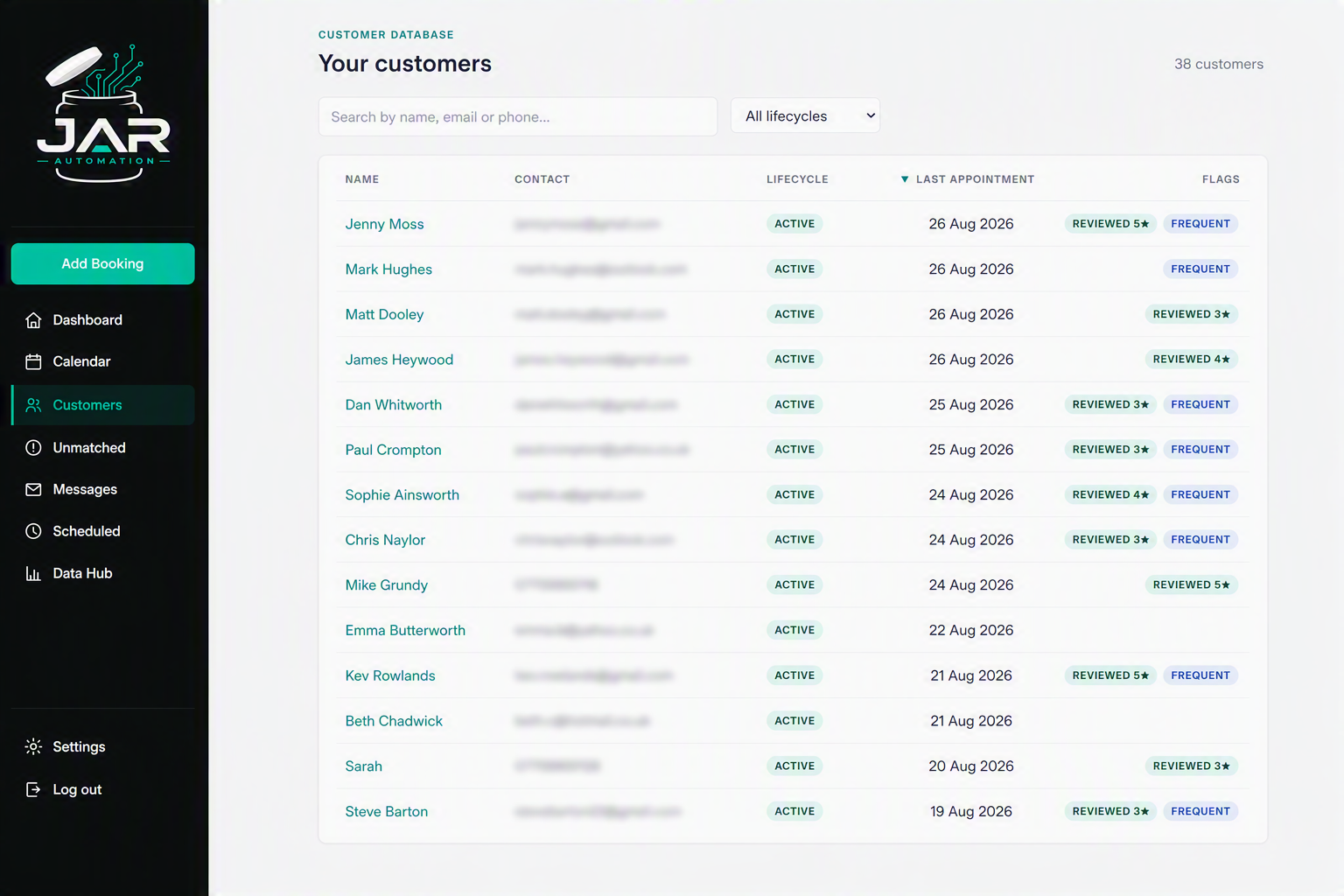
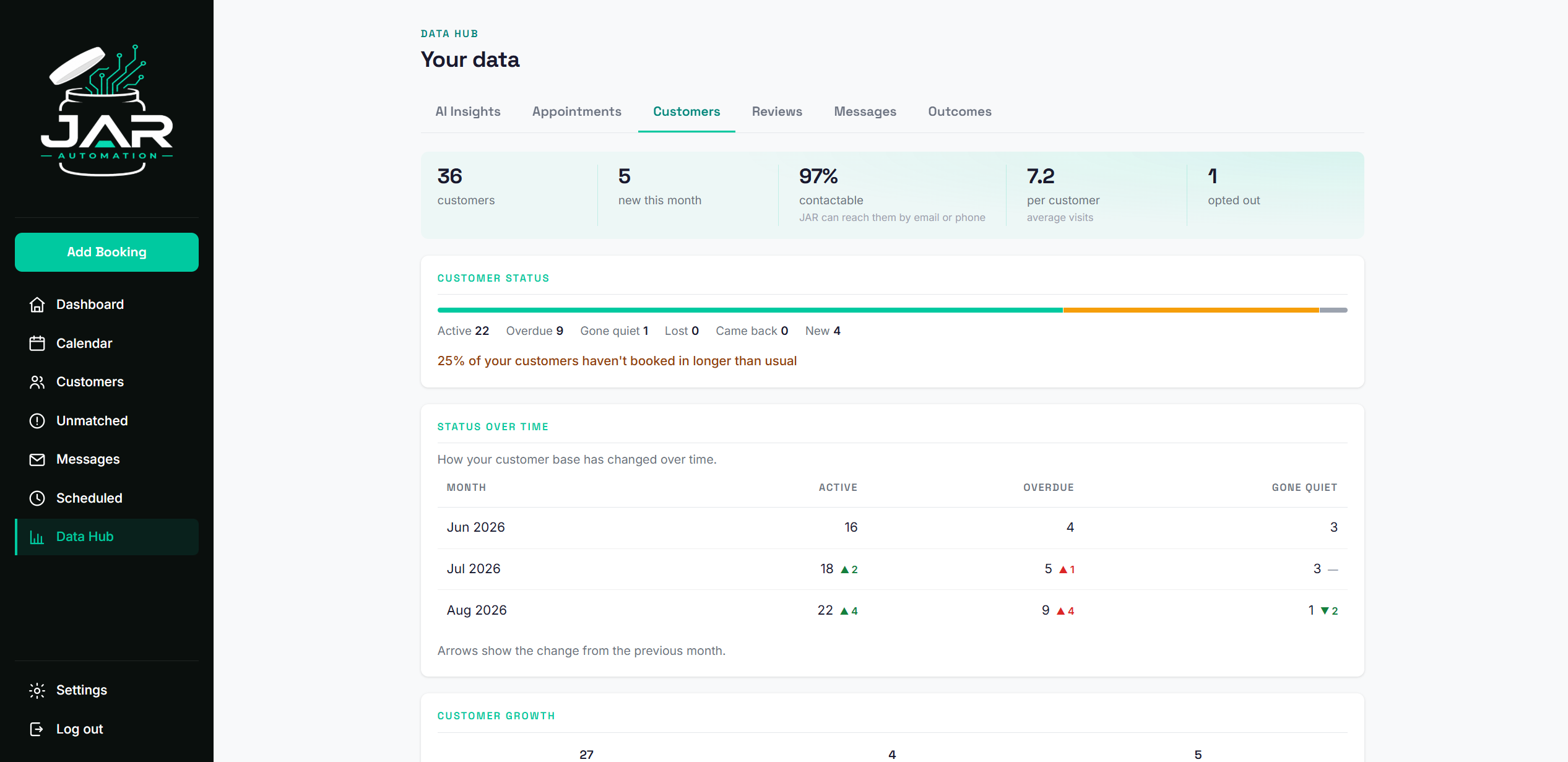
Your full customer list with lifecycle tracking. See who's active, who's overdue for a visit, who's gone quiet, and who's new. Search by name, email, or phone. Filter by lifecycle status. Every customer from every booking source, all in one place.
The numbers behind your business
Numbers without context are just noise.
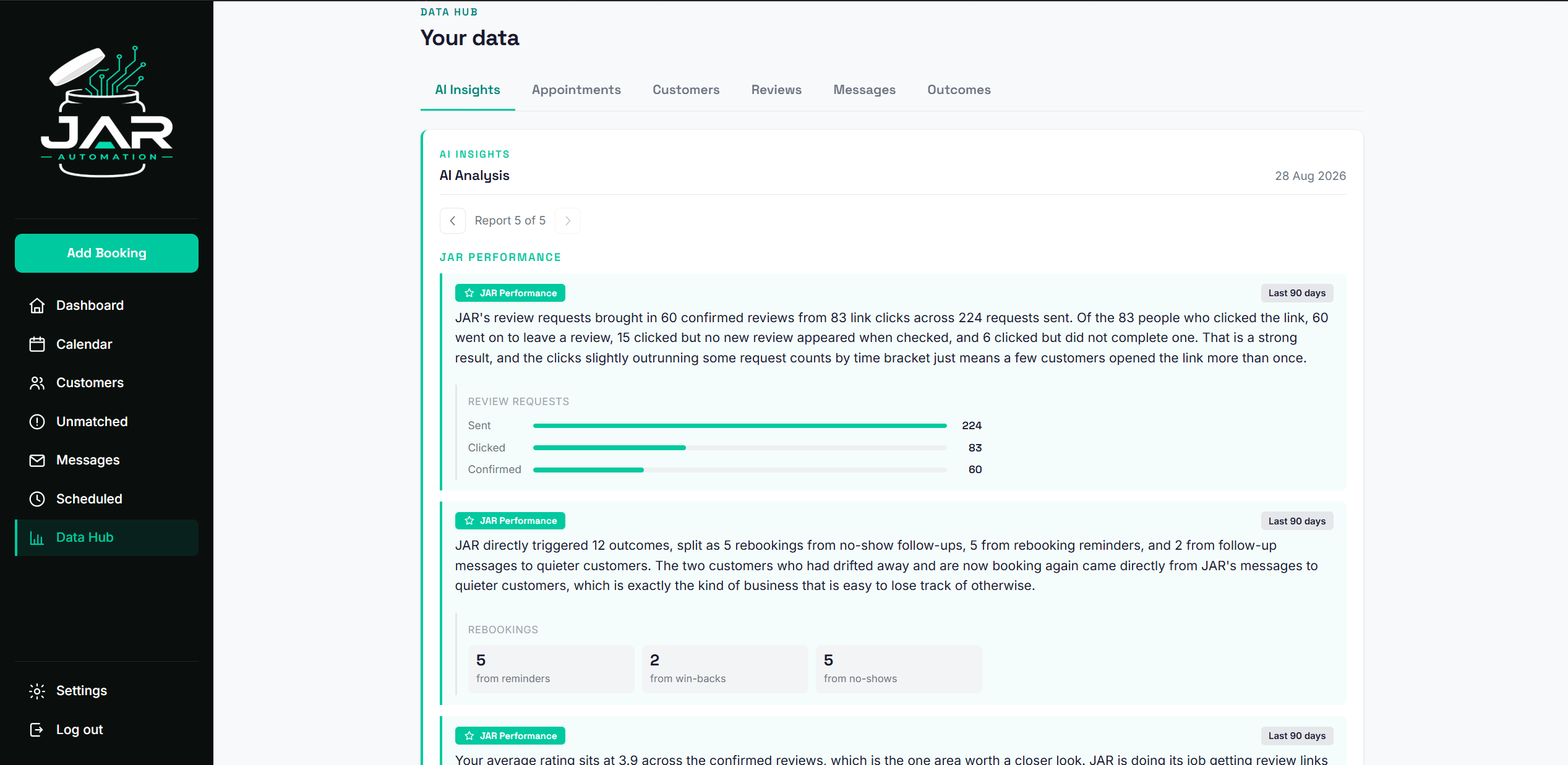
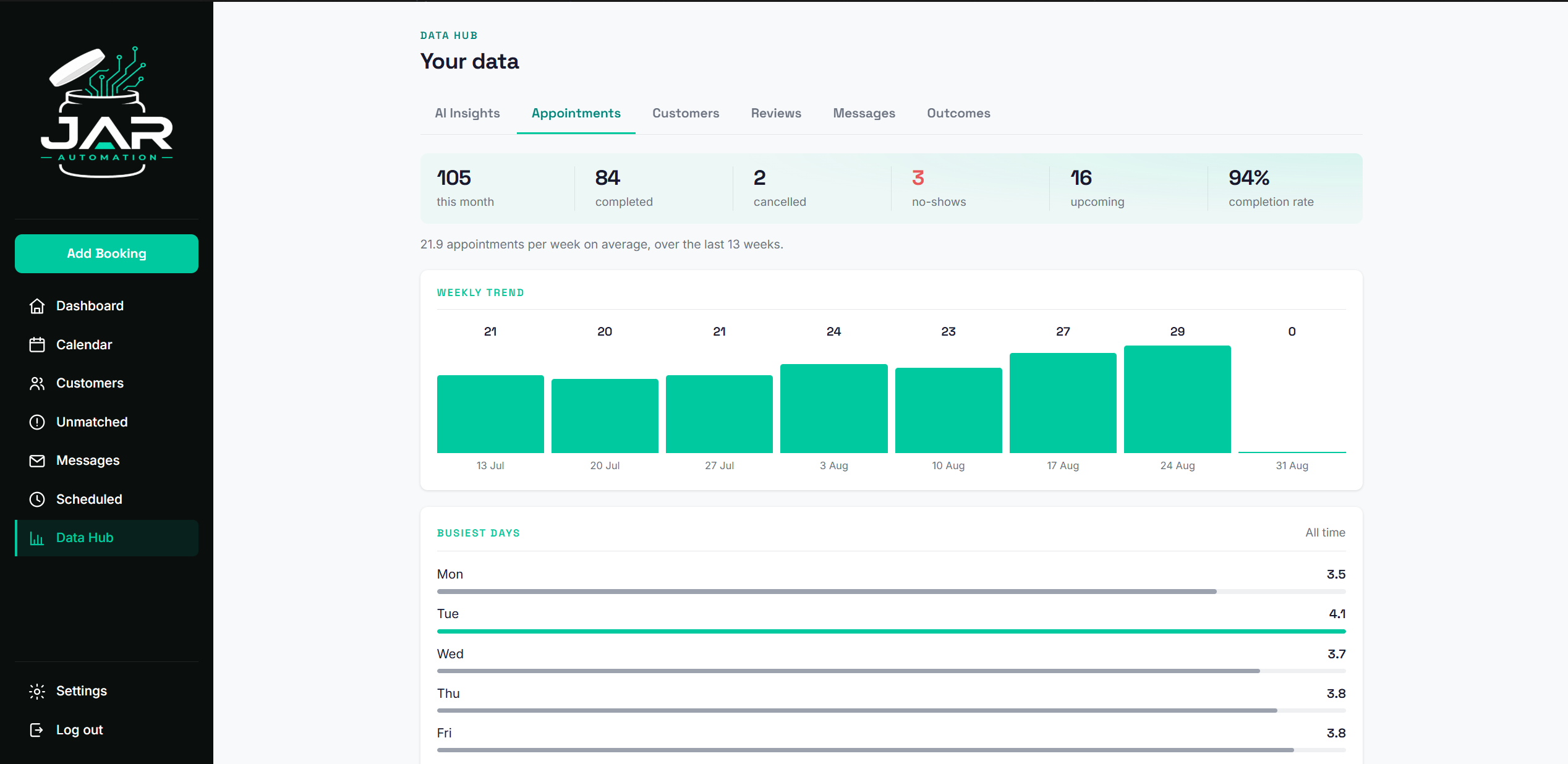
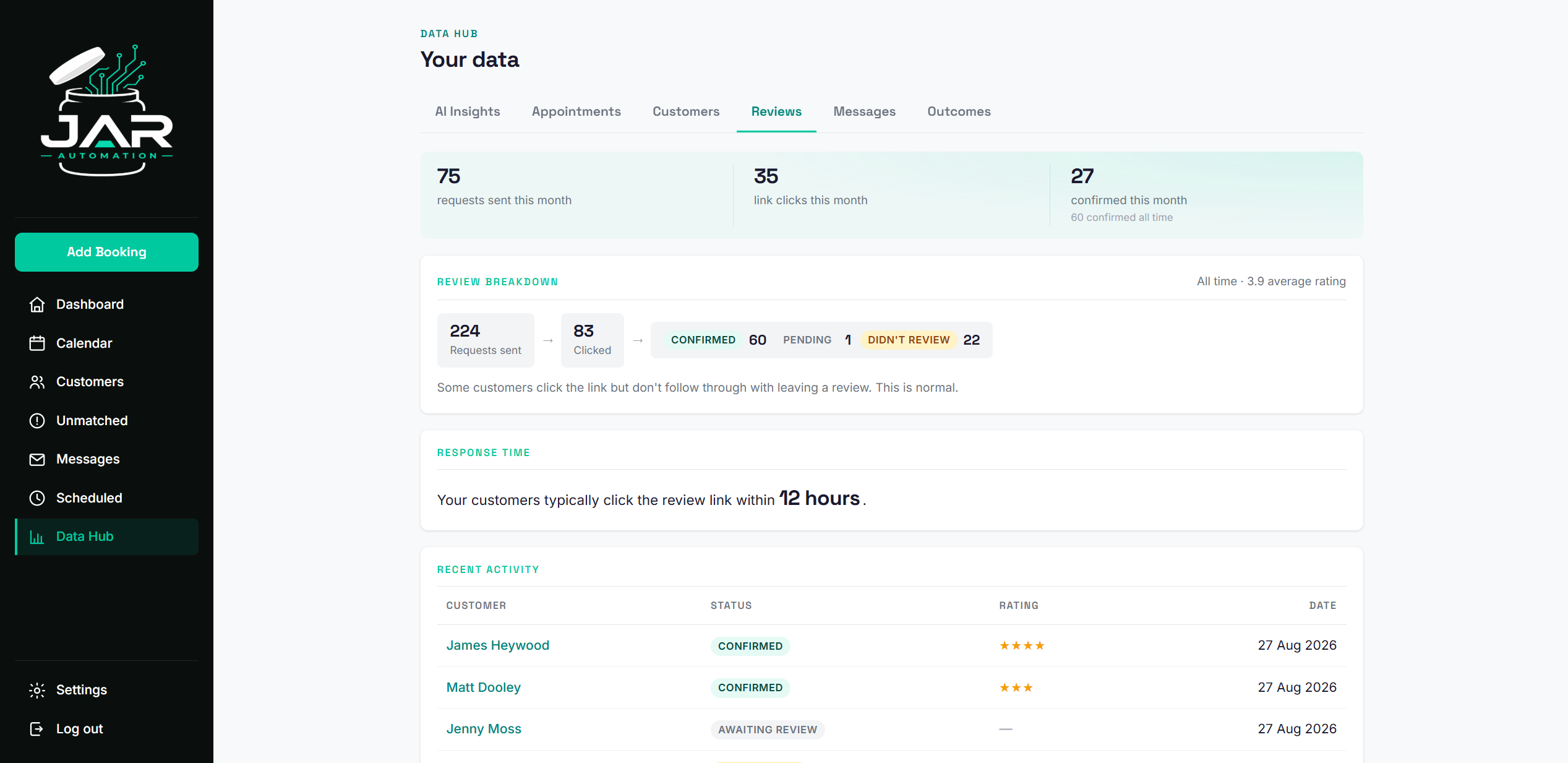
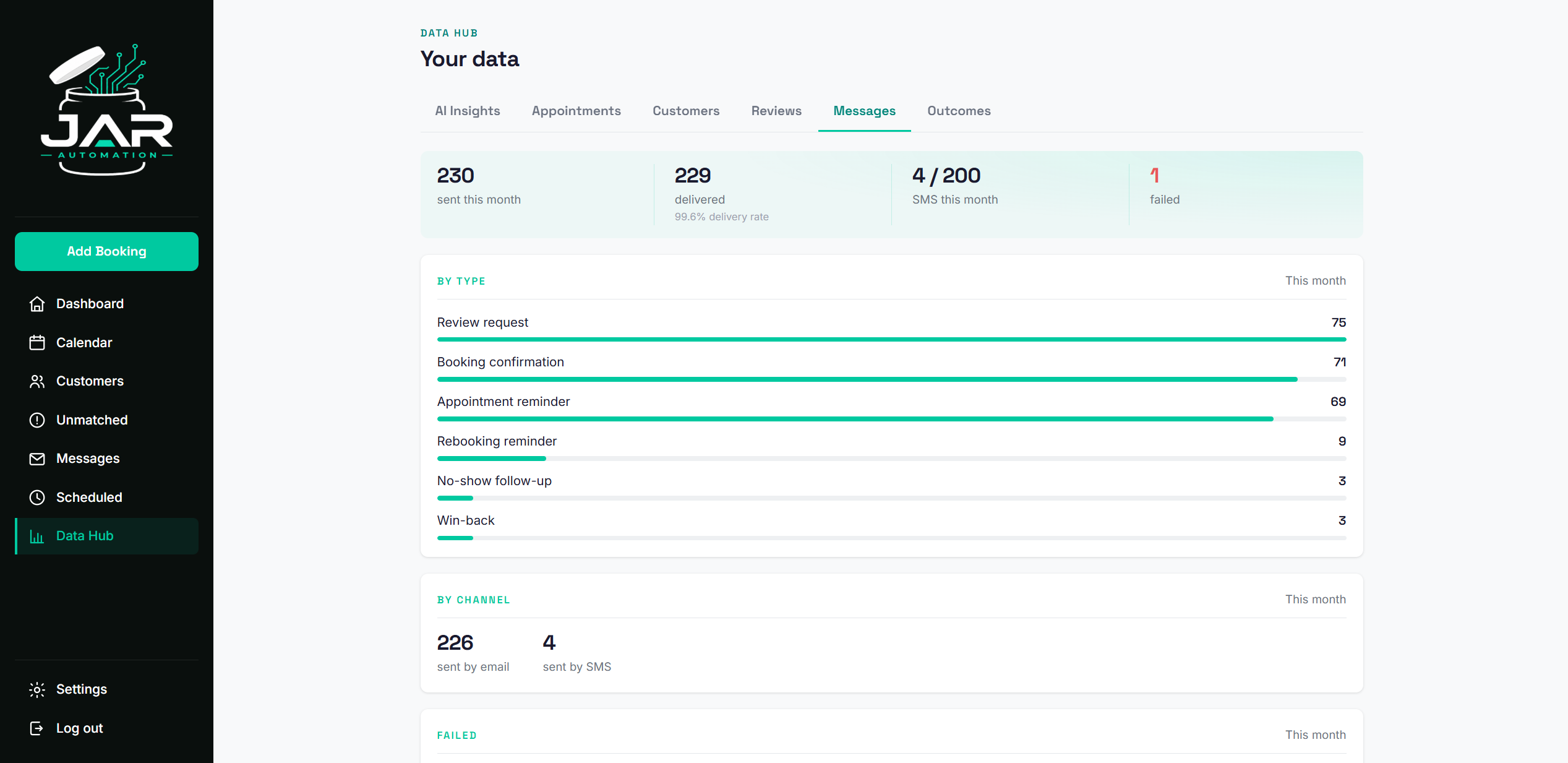
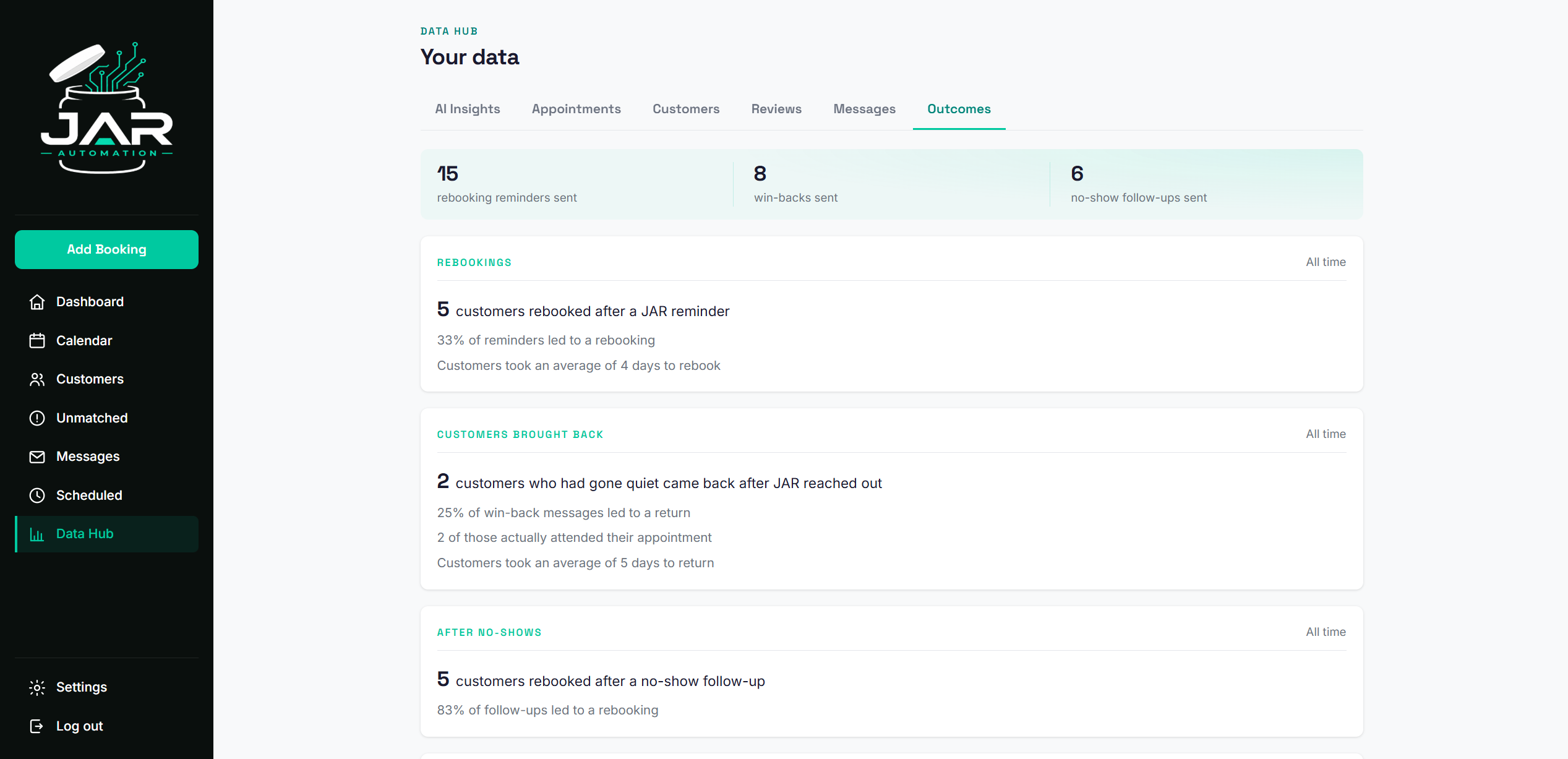
Six tabs of analytics across your entire operation. Appointments, customers, reviews, messages, outcomes, and AI insights. Charts, breakdowns, and trends updated in real time.
JAR reads your data so you don't have to
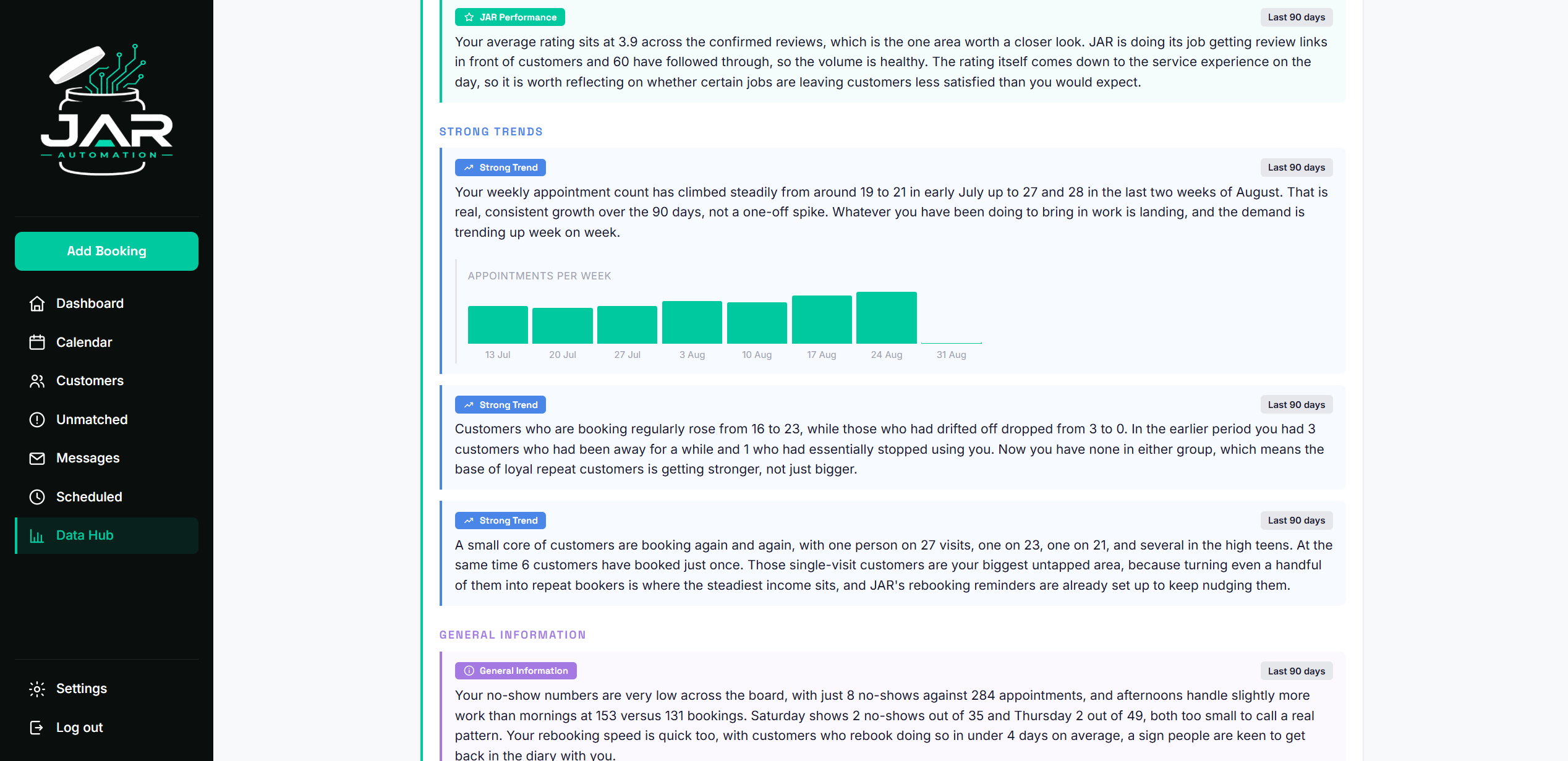
Available on JAR Results. Our AI analyses your appointment history, review performance, customer retention patterns, and booking trends. It writes a plain-English report telling you what's working, what's not, and what to focus on next. No charts to interpret, no dashboards to study. Just clear, actionable insights delivered to your portal.
Phone booking? DM? Walk-in? Two ways to add it.
This is how JAR captures the customers your booking platform never sees.
Your booking platform might read your calendar to block out time slots, but it won't create a customer record, send a follow-up, or ask for a review. JAR does.
Add it through the portal (recommended): name, contact info, service, date. Ten seconds. JAR handles the calendar event and every follow-up from there.
Add it to your Google Calendar directly: JAR syncs it within 15 minutes. Include the customer's name in the title and their contact details in the description so JAR can follow up.
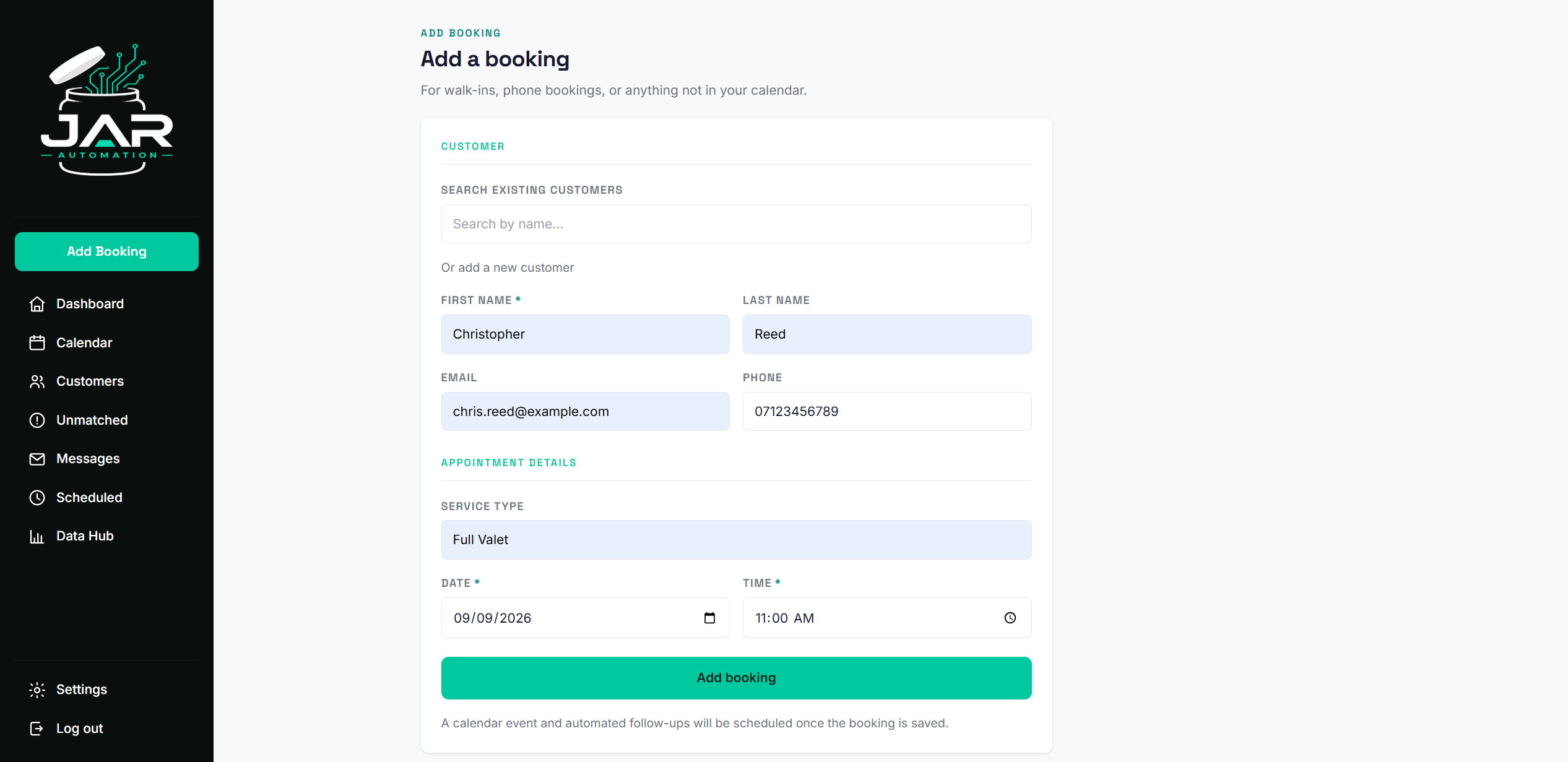
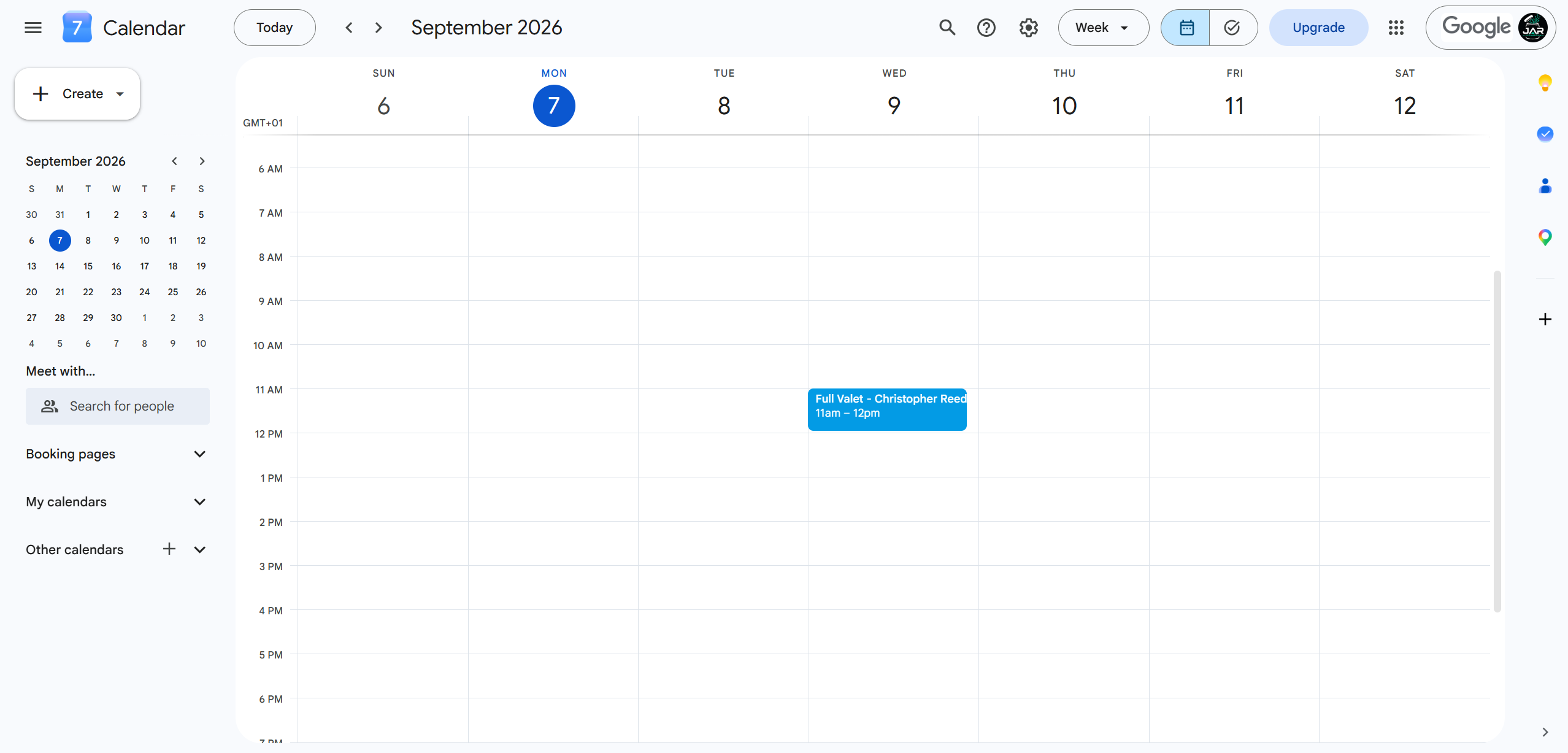
All data shown is for demonstration purposes. Any resemblance to real individuals is purely coincidental.